Features
What MakeYours does, feature by feature
An edit that works is a sum of details: a font, a way of entering the screen, a zoom on the right word, a cut on every breath, a sound effect on the strong word. Clipping finds the best moments of a long video and reframes them to 9:16 shot by shot; Auto Edit edits your talking-head take; Copy an edit carries those details over from a reference video.
Each page below explains one feature: which tool does it, how it applies it to your video, and what you can fine-tune afterwards in the editor.
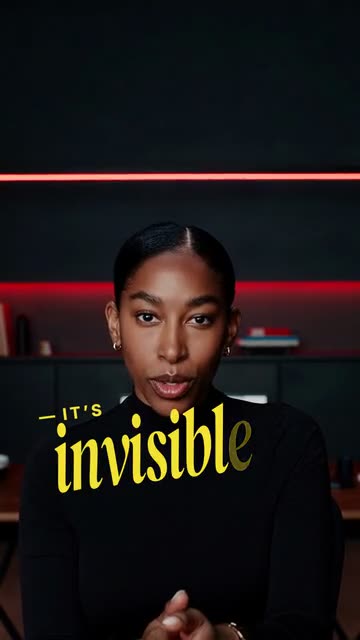
Fonts
Find the font of a video, or pick yours for your captions.

Text animations
Captions animated at the right speed, or a video’s animations carried over.
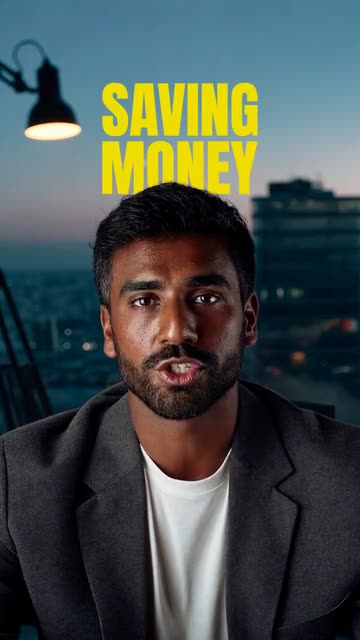
Auto zoom
Zooms on your face on the strong words, no keyframes.
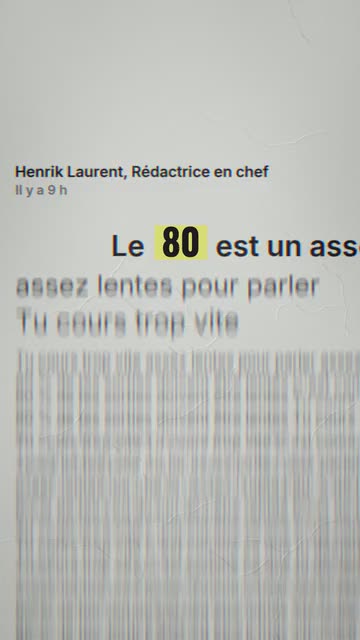
Transitions
A video’s transitions (whip pan, flash, zoom hit, shake) carried over to yours.
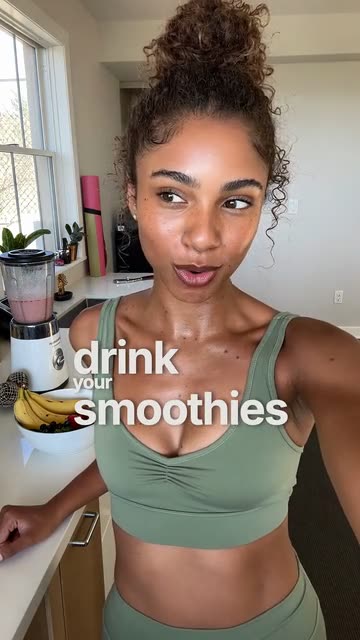
Sound effects
Sound effects on the strong words, right on cue.
Look and colour
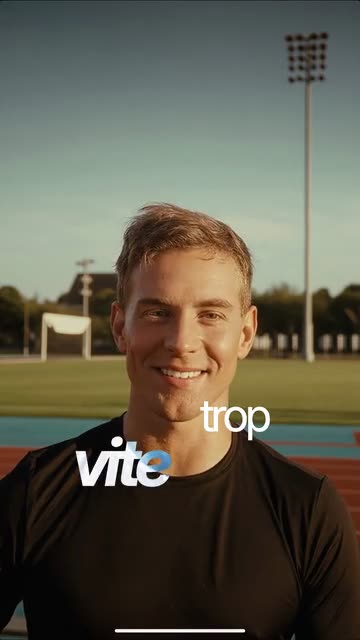
A video’s look (black and white, mood, colour) brought to your footage.
B-roll
Your b-roll cut in at the right moments.
Change an edit in words
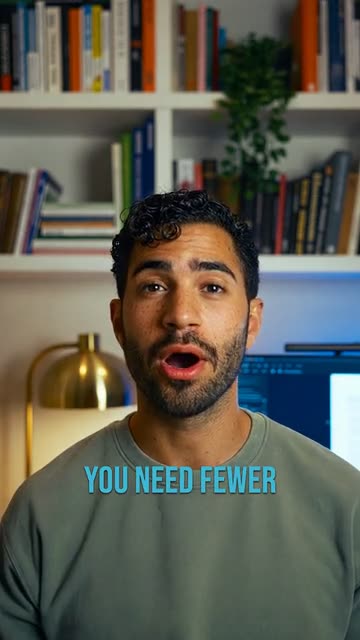
Ask the editor's AI assistant for a change, in your own words, and see it on your video at once.
How the AI recreates an edit
What Copy an edit does, step by step, between your reference and your video.