Automatic video editing. You shoot, AI edits.
Dead air cut. Captions, zooms and a hook added. All from your raw talking-head take.
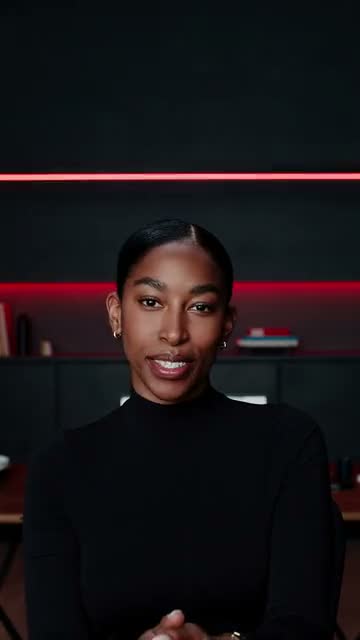
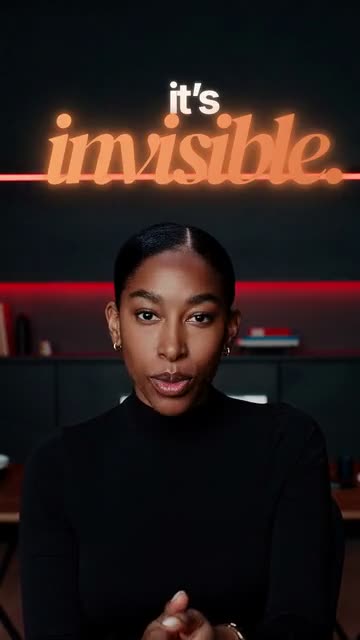
Example
- Dawn
- Scarlet
- Column
- Strata
AI-generated demo creator. All four edits come from the same take.
54 caption styles. Find yours.
Spotlight Verdict Marker Burst - +50
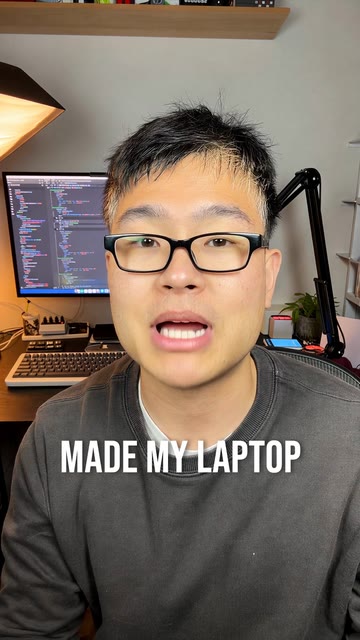
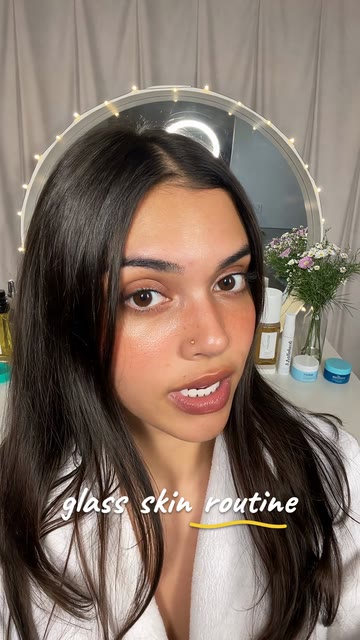
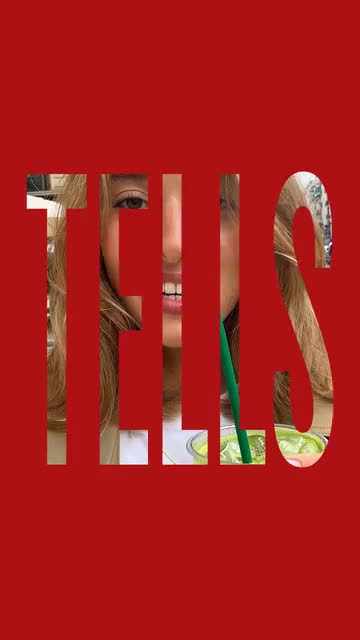
AI-generated demo creators.
What AI cuts, what it keeps.
A hook from the very first second.
AI writes your opening title from what you say. It shows on its own first, then the captions take over.
Edit my videoOr copy the edit of a video you love.
Paste a TikTok, Reel or Short, and its edit goes onto your take.
You have the final say.
Change anything, even on your phone.
One word too many? Delete it from the text and the video follows.
Questions about automatic video editing.
Auto Edit at a glance
MakeYours Auto Edit automatically edits a raw talking-head video. Upload your take and pick a caption style: AI cuts silences, filler words and restarted sentences, highlights key words with zooms and sound effects, writes an opening hook, then opens the edit in an editor where you can change anything.
What is Auto Edit?
A MakeYours feature that automatically edits a short talking-head video (up to 60 or 90 seconds, depending on your plan). Upload your raw take and pick a style: AI cuts the dead air, adds captions and a hook, plus zooms and sound effects to match the pace you choose, then opens the edit in the editor, on desktop or phone.
How do I remove silences and “ums” from a video?
Automatic editing finds pauses, filler words (“um,” “uh”), stutters and restarted sentences, then cuts them. When you said a sentence twice, it keeps your last take.
What caption styles are available?
54 animated styles, from clean and simple to neon and giant words, with key words in color. Pick one before the edit, then switch styles, fonts or colors in the editor.
What videos work with automatic editing?
Short talking-head videos: tips, storytelling, product videos, coaching. Up to 60 seconds on the Creator plan and 90 seconds on Pro plans. Footage with no one talking (drone shots, sports, music) isn’t a fit. For a long video, use Clipping.
Can I add my own b-roll and logo?
Yes. Add your other shots (product, screen, location) along with your talking-head take, and they’re placed as b-roll. Save your logo, font and colors once in your brand kit, and they’re applied to your edits.
How is it different from CapCut?
CapCut is a timeline editor: its automatic tools help, but you put the edit together yourself. Here, AI delivers a complete first cut, with cuts, captions, zooms and sound effects, and you only change what you want.
How much does automatic video editing cost?
Plans start at €14.99 a month with monthly credits; an edit uses credits based on the length of the finished video. If an edit fails, its credits are refunded. Cancel anytime online; details are on the pricing page.
Are the people in the demos real?
No. The people in the Auto Edit examples are AI-generated demo creators. The edits themselves were made by Auto Edit.
Your raw take deserves better.
From €14.99/month · Credits back if an edit fails · Cancel anytime online · See plans
We don’t use your videos to train AI, and we never sell them.